



Native Instruments Complete Guide: Kontakt, Maschine & Komplete

Native Instruments Complete Guide: Kontakt, Maschine & Komplete
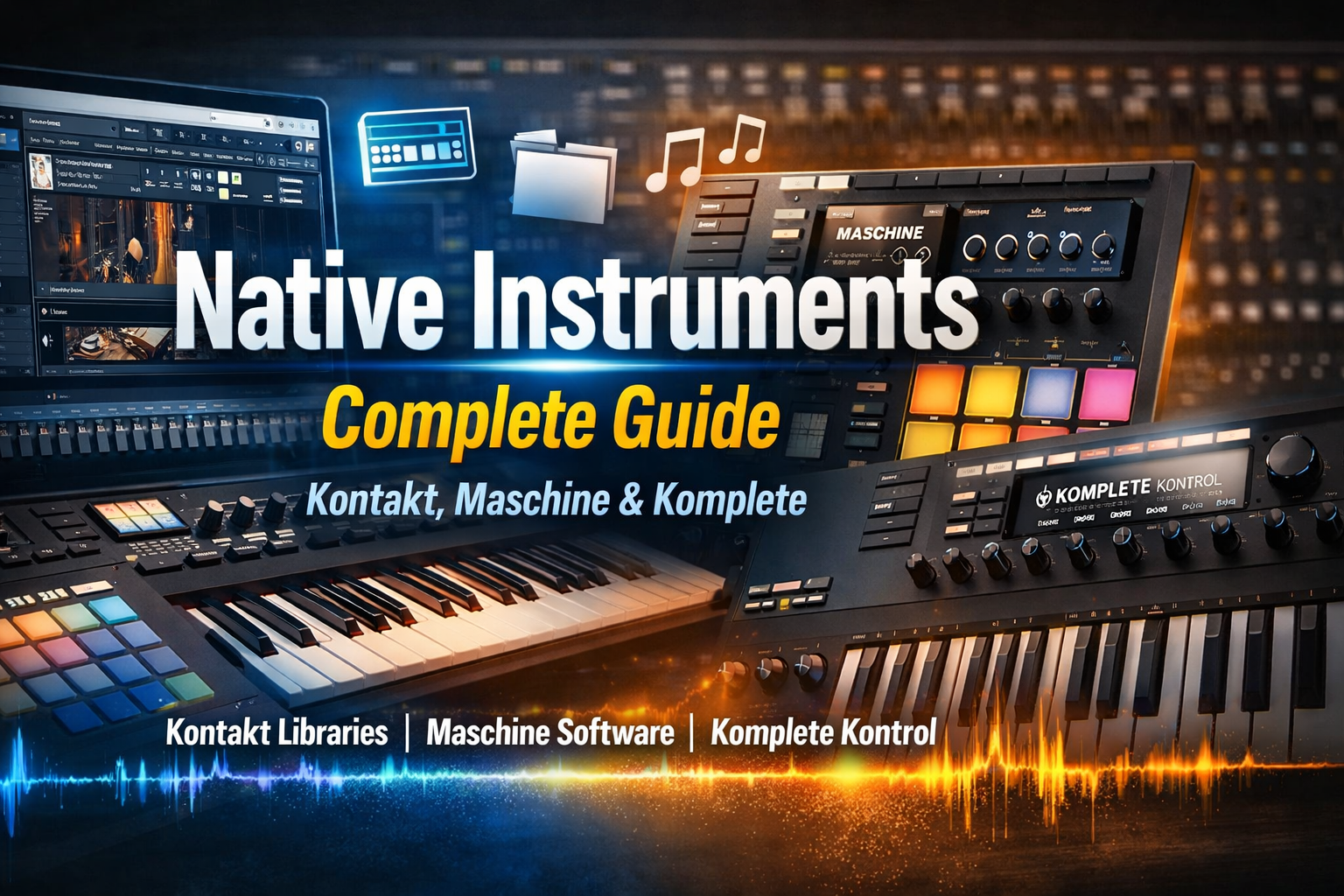
Native Instruments is one of the most influential brands in modern music production, providing a wide range of Virtual Instruments and VST Plugins. From Kontakt Libraries to Maschine Software and Komplete Kontrol keyboards, NI has created tools that empower musicians, composers, and producers worldwide. Whether you are a beginner exploring Free Kontakt Libraries or an experienced producer leveraging Native Access for premium plugins, this guide will provide a complete overview of the Native Instruments ecosystem.
In this article, you will discover the most popular Kontakt Libraries, learn how to set up Maschine Software, optimize workflow with Komplete Kontrol keyboards, and find valuable free resources for your music production journey. Additionally, we’ll cover tips, best practices, and troubleshooting methods to maximize your experience with NI products. By the end of this guide, you’ll have a clear roadmap for producing professional music using Native Instruments’ suite of products.
What is Native Instruments?
Native Instruments, often abbreviated as NI, has been a cornerstone of digital music production for over two decades. Known for its innovative approach, NI combines hardware and software to provide seamless music-making experiences. Core products include Kontakt Libraries, Maschine Software, and Komplete Kontrol keyboards—tools designed to inspire creativity and streamline production workflows.
NI products are widely used in studios, live performances, and film scoring. With a commitment to high-quality sounds, robust plugins, and powerful Virtual Instruments, Native Instruments supports producers at every level. Through Native Access, users can manage licenses, download updates, and integrate their products effortlessly. Whether your focus is electronic music, orchestral scoring, or sound design, NI’s tools provide the versatility required for modern production.
Understanding Kontakt Libraries
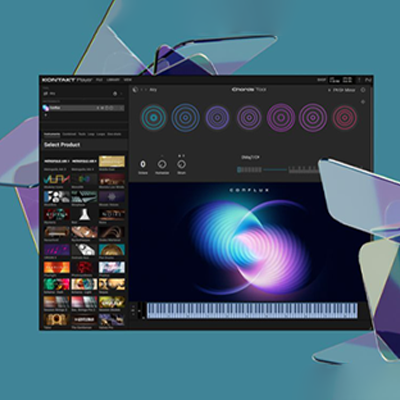
Kontakt is NI’s flagship sampler, and Kontakt Libraries provide an extensive range of high-quality instrument sounds. Kontakt Player is free and allows users to load various libraries, while the full Kontakt version unlocks advanced features for professional users.
Popular Kontakt Libraries include orchestral instruments, pianos, guitars, and cinematic sounds. Beginners can access Free Kontakt Libraries from NI or Plugindad.com to start producing without investing in premium libraries. Integrating Kontakt Libraries into your DAW, such as Ableton Live or FL Studio, provides endless creative possibilities.
For maximum efficiency, always manage your libraries through Native Access, which ensures plugins are properly licensed and up to date. Combining Kontakt Libraries with Maschine Software enhances music production workflows, allowing seamless layering of sounds.
Maschine Software & Hardware Overview
Maschine Software paired with Maschine Hardware provides an all-in-one production solution. With an intuitive interface, high-quality sounds, and VST plugin compatibility, Maschine allows users to produce beats, melodies, and entire tracks effortlessly.
Key features include sampling, pattern sequencing, and live performance capabilities. Integration with Native Access ensures all expansions, such as Maschine expansions or Komplete expansions, are properly installed. Whether you’re using Maschine Mikro, Maschine Studio, or the latest Maschine+, NI’s ecosystem is designed to make music production intuitive.
Using Maschine Software, you can manipulate sounds from Kontakt Libraries, layer effects, and export compositions to your DAW. This seamless workflow makes Maschine an essential tool for electronic music, hip-hop, and cinematic scoring.
Komplete Kontrol Keyboards
Komplete Kontrol keyboards (S49, S61, S88) are designed for hands-on control over NI plugins. Features such as Light Guide, Smart Play, and deep DAW integration simplify complex productions.
By using Komplete Kontrol, producers can browse sounds, trigger scales, and adjust parameters in real time. This is especially useful when working with Kontakt Libraries and Maschine Software. The integration with Native Access ensures that all instruments and effects are up to date, providing a reliable workflow for music production.
Free Resources from Native Instruments
NI offers numerous Free Kontakt Libraries and plugins to help beginners explore music production. These free resources include drum kits, synths, and sample packs. Accessing them via Native Access ensures proper installation and updates.
Beginners can combine free libraries with Maschine Software to create professional-sounding tracks without significant investment. This democratization of music production has enabled a worldwide community of creators to grow using Native Instruments tools.
Installing & Managing Plugins via Native Access
Native Access is the hub for managing all NI products. Installation, license activation, and updates are streamlined, ensuring your software runs smoothly.
Step-by-step:
- Open Native Access
- Sign in with your NI account
- Add new products by entering serial numbers or redeeming downloads
- Download, install, and authorize plugins
Troubleshoot common issues like missing products or installation errors by checking NI support or forums. Proper management ensures your Kontakt Libraries, Maschine Software, and Komplete Kontrol instruments are always ready for production.
Best Practices for Music Production with Native Instruments
- Use VST Plugins effectively to layer sounds
- Combine Maschine Software with Kontakt Libraries for complex compositions
- Organize libraries and presets for faster workflow
- Maintain a regular backup strategy for projects and presets
Adopting these practices ensures a smooth production environment and maximizes creativity. Semantic keywords: Music Production, Virtual Instruments
Advanced Tips & Tricks
- Layer sounds from Kontakt Libraries and Maschine for cinematic effects
- Use Komplete Kontrol keyboards for faster composition and scale guidance
- Integrate NI products with popular DAWs like Ableton Live, FL Studio, and Logic Pro
- Customize MIDI mappings for better workflow
Native Instruments provides a complete ecosystem for modern music production. From Kontakt Libraries to Maschine Software and Komplete Kontrol keyboards, NI offers tools for every type of producer. Beginners can start with Free Kontakt Libraries while professionals can leverage advanced expansions and integrations.
Proper management via Native Access, combined with best practices, ensures a seamless and productive workflow. By exploring NI’s suite of Virtual Instruments and plugins, musicians worldwide can create professional, high-quality music efficiently.
Explore all NI products and free resources on Plugindad.com to elevate your music production journey today!
Why don’t my products appear in Native Access?
Ensure you are logged in correctly and have redeemed all serial numbers.
What is the difference between Kontakt Player and Full Kontakt?
Player is free and limited; Full Kontakt unlocks advanced features and full library support.
Where can I find free Kontakt Libraries?
NI and Plugindad.com offer free libraries and expansions.
How to contact NI Support?
Visit the NI support portal for contact options and troubleshooting guides.