Ultimate Guide to Kontakt Libraries
Kontakt Libraries are essential tools for modern music producers, composers, and sound designers. Whether you are looking for Free Kontakt Libraries or premium collections, these libraries provide a vast range of instruments, samples, and presets that integrate seamlessly with Kontakt Player and Native Instruments platforms. From cinematic sounds to electronic textures, Kontakt Instruments help elevate your music production workflow. With the right Kontakt Library Download, you can enhance your virtual instrument collection, create unique sounds, and explore endless possibilities in music creation.
What is a Kontakt Library?
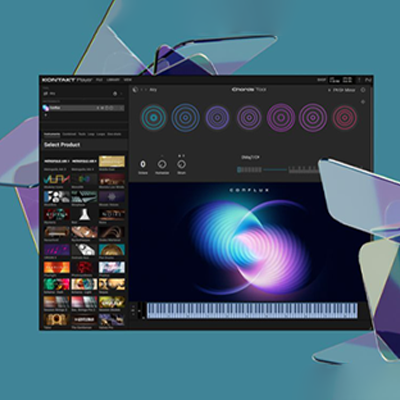
Kontakt Libraries are curated collections of virtual instruments designed for the Kontakt Player. They include sampled instruments, presets, and sound design tools that allow producers to create realistic or unique sounds in their DAWs. Each library can range from orchestral strings, pianos, and guitars to synths and percussion kits. With a Kontakt Instrument, you can achieve professional-level music production without needing physical instruments. Sampling, layering, and advanced scripting make these libraries highly versatile for both beginners and experienced producers.
Free vs Premium Kontakt Libraries
There are many Free Kontakt Libraries available online, perfect for beginners or experimental producers. While free libraries may have limitations in size or features, they often provide high-quality sounds suitable for most projects. On the other hand, Premium Kontakt Libraries offer extensive sound collections, high-fidelity samples, and advanced presets. Premium libraries are ideal for professional music production, offering cinematic, orchestral, and specialized instrument packs. Regardless of choice, integrating either free or premium Kontakt Libraries can significantly improve your Virtual Instruments collection and workflow efficiency.
PluginDad Library Features
1.Direct Download System
Download from dedicated servers located worldwide. No waiting time required. No advertisements or torrent files.
2.Immediate Access
Libraries become available right after purchase. No delay period. Start working immediately.
3.Lifetime Updates
Free updates for macOS and Windows compatibility. Updates install through Native Access or manual download.
4.Licensed Products
All libraries come from official developers and publishers. Each product includes proper licensing documentation.
5.Warranty Coverage
Lifetime warranty included with each purchase. Technical support available for installation and troubleshooting.
6.Refund Policy
7-day full refund available. No conditions apply during this period.
7.Global Availability
Service operates worldwide. Payment processing supports international transactions.
8.Technical Support
Support team assists with installation, activation, and technical issues. Help available for all purchased products.
How to Download & Install Kontakt Libraries
Downloading and installing a Kontakt Library is straightforward. Most libraries provide a Kontakt Library Download file that you can install via Native Access or manually in your DAW. Ensure that you have the latest Kontakt Player version to avoid compatibility issues. After installation, you can access presets, tweak parameters, and integrate the library into your projects. For optimal performance, organize your Kontakt Instruments in dedicated folders, making it easier to navigate and load them during music production sessions
Best Kontakt Libraries for Music Production
The right Kontakt Libraries can transform your music production. Some popular choices include:
-
Orchestral Libraries: Strings, brass, and woodwinds for cinematic compositions.
-
Cinematic & Sound Design Libraries: Perfect for scoring and electronic music.
-
Guitar & Bass Libraries: For realistic plucked and fretted instruments.
-
Synth & Hybrid Libraries: Combine traditional instruments with futuristic sounds.
All of these libraries expand your Virtual Instruments portfolio and are compatible with DAWs worldwide, offering both flexibility and creativity.
Kontakt Library Categories
Libraries are organized by instrument type. Each category contains products from multiple developers.
Contains electric bass, upright bass, and synth bass instruments. Common in funk, jazz, rock, and electronic production.
Genres: Funk, Jazz, Rock, EDM, Hip-Hop
Developers: Scarbee, Ample Sound, Orange Tree Samples
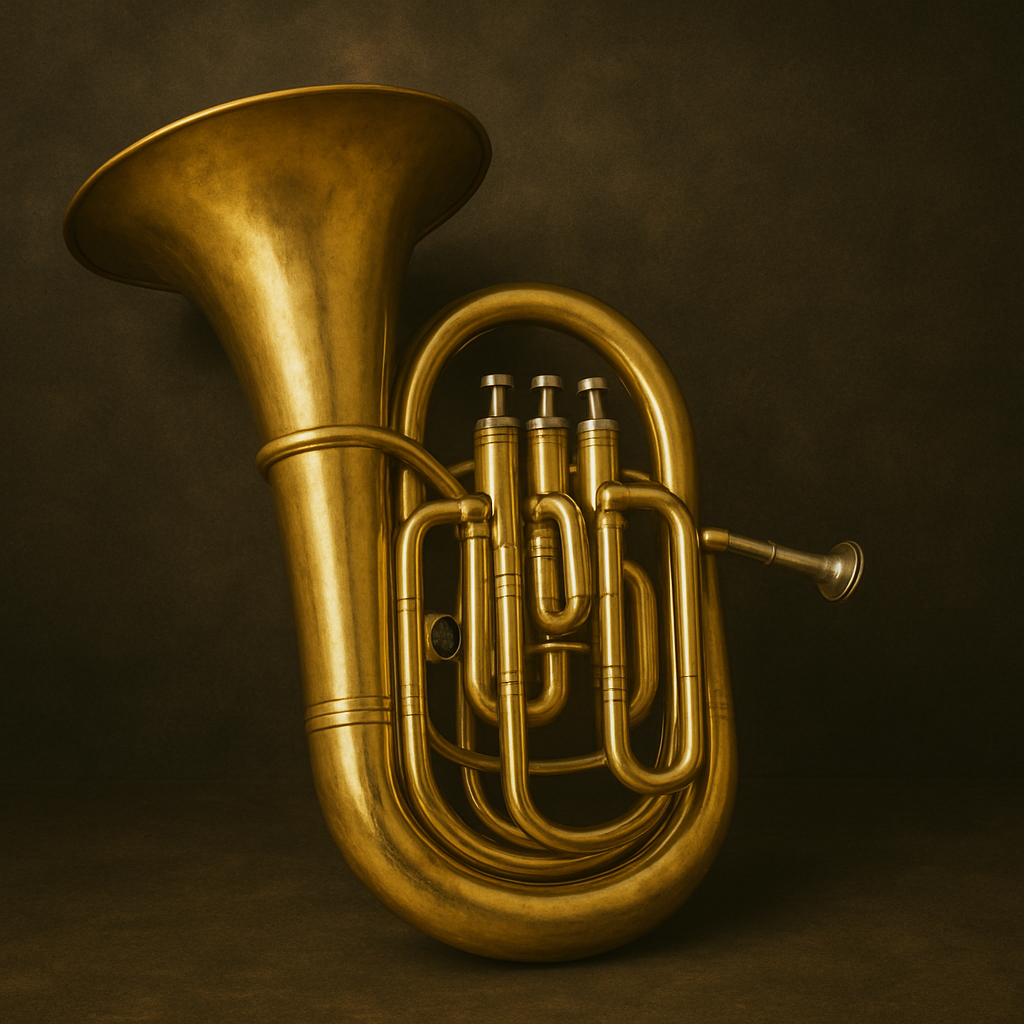
Includes trumpet, trombone, French horn, and tuba samples. Used in orchestral, jazz, and film production.
Genres: Film Scoring, Jazz, Orchestral, Cinematic
Developers: Cinesamples, Orchestral Tools, Spitfire Audio, 8Dio
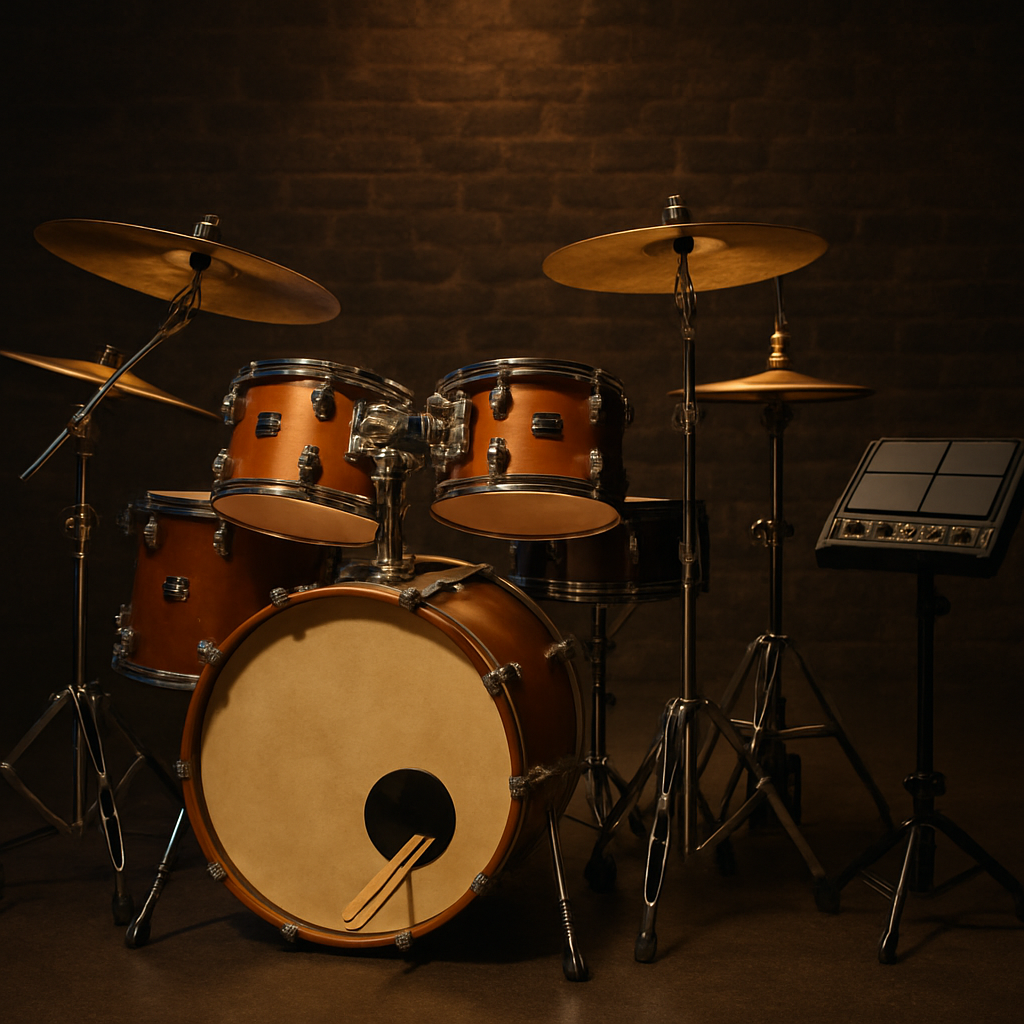
Acoustic drum kits, electronic drums, orchestral percussion, and world percussion. Applied across multiple genres.
Genres: Rock, Pop, Cinematic, EDM, World Music
Developers: Spitfire Audio, Toontrack, Native Instruments, Soniccouture
Acoustic guitar, electric guitar, nylon string, and steel string samples. Contains strumming, fingerpicking, and lead techniques.
Genres: Pop, Rock, Country, Acoustic
Developers: Native Instruments, Ample Sound, Orange Tree Samples, Prominy
Grand pianos, upright pianos, electric pianos, Rhodes, Wurlitzer, and clavinet. Sampled at multiple velocity layers.
Genres: Classical, Jazz, Pop, Film Scoring
Developers: Native Instruments, Spitfire Audio, 8Dio, Spectrasonics, Embertone
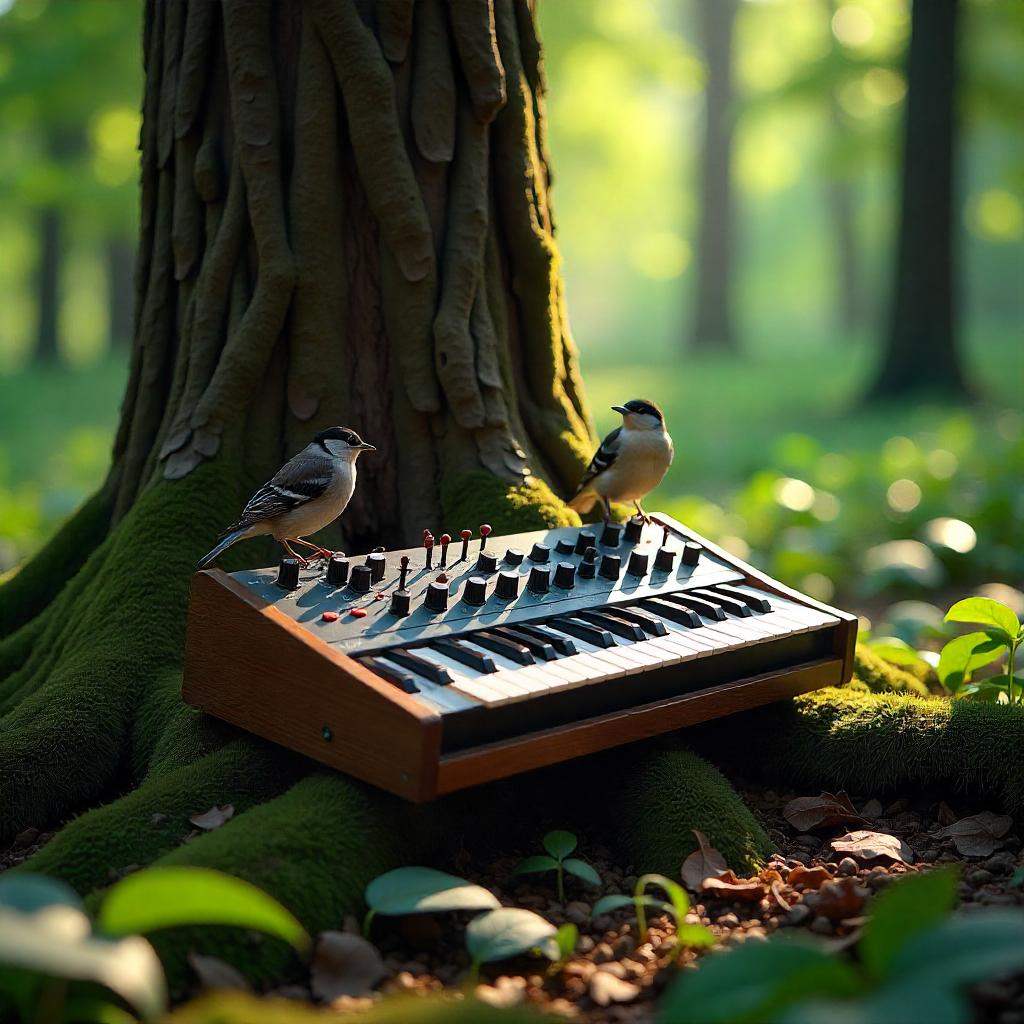
Analog synthesizers, digital synths, modular systems, pads, and leads. Common in electronic and pop production.
Genres: EDM, Electronic, Ambient, Pop, Synthwave
Developers: Native Instruments, Output, UJAM, Arturia, Loopmasters
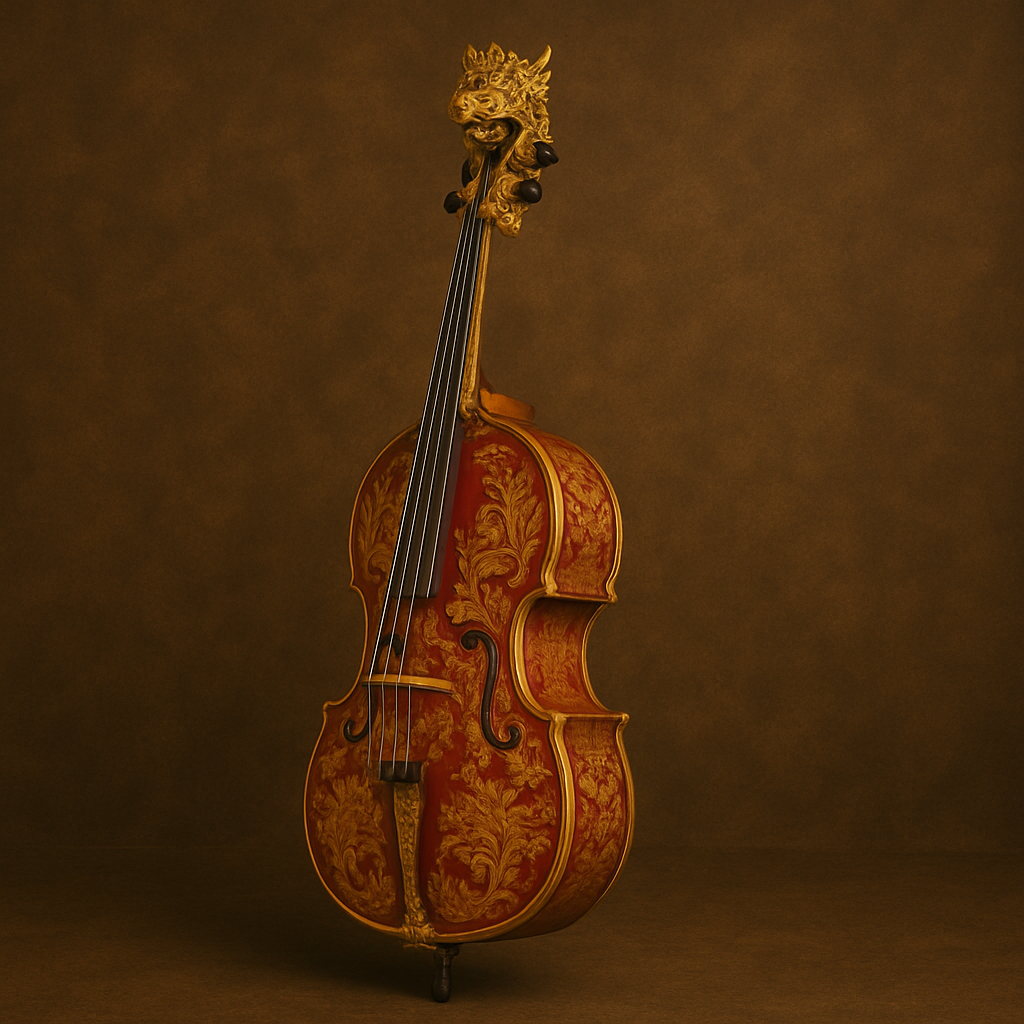
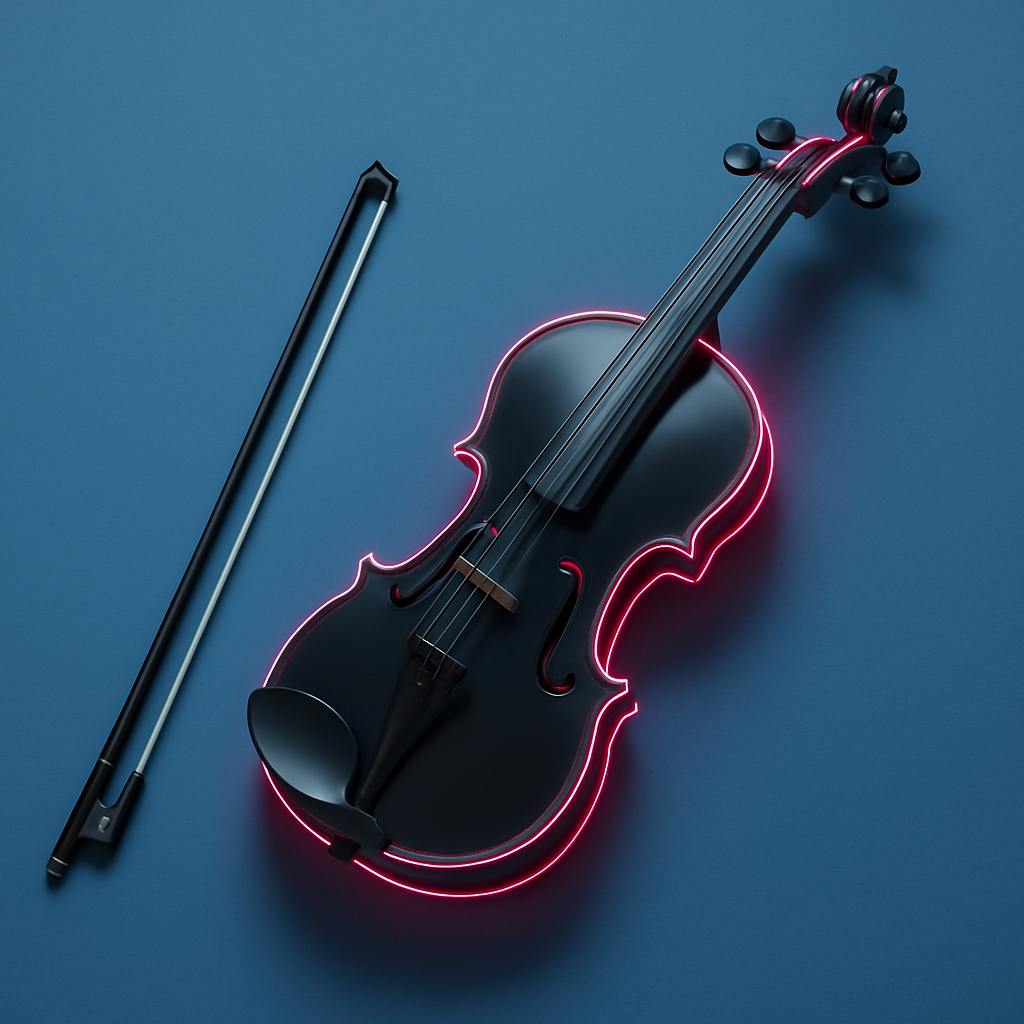
Violin, viola, cello, double bass, and string ensemble samples. Used extensively in film and orchestral work.
Genres: Film Scoring, Classical, Orchestral, Cinematic
Developers: Spitfire Audio, Orchestral Tools, Cinematic Studio, EastWest, Audio Imperia
Choir samples, solo vocalists, vocal phrases, and ethnic vocals. Applied in film scores and pop production.
Genres: Film Scoring, Pop, Cinematic, World Music
Developers: Soundiron, 8Dio, Strezov Sampling, EastWest
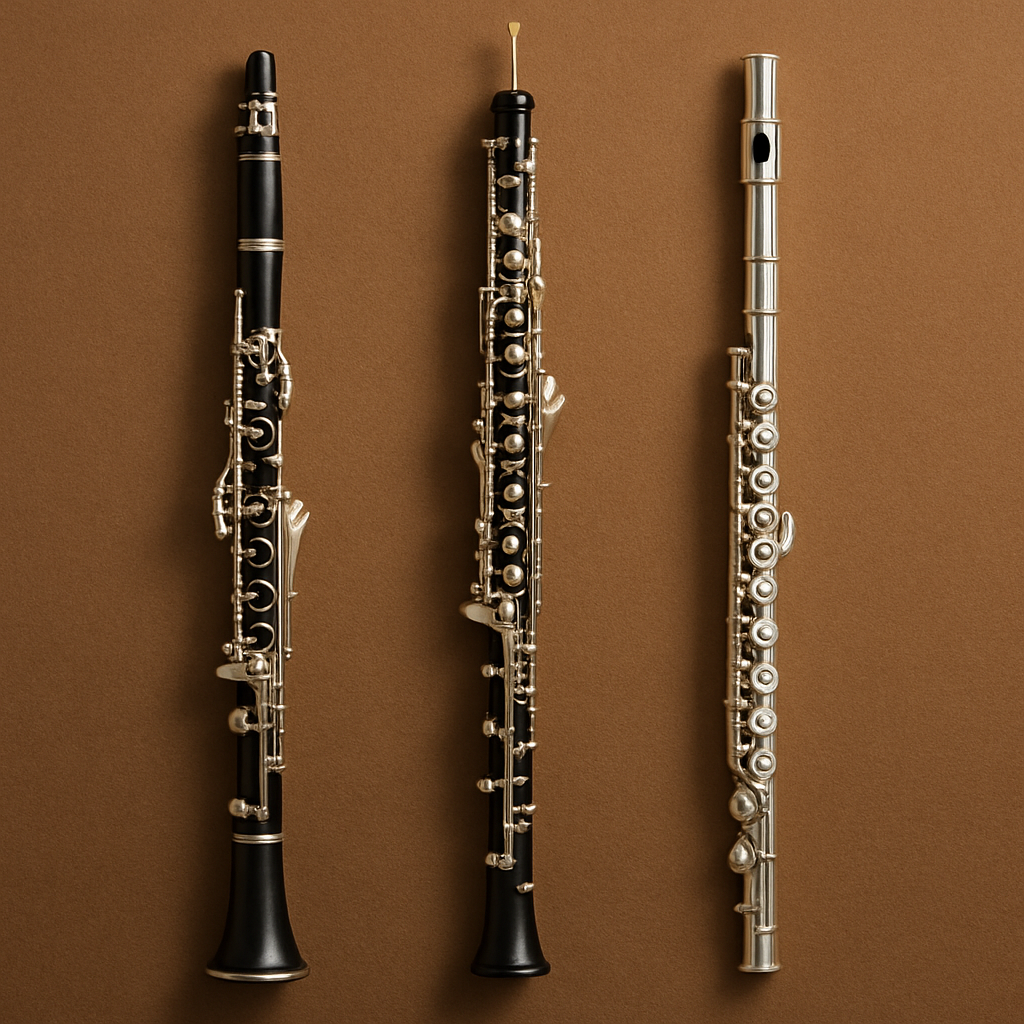
Flute, piccolo, clarinet, oboe, bassoon, and woodwind ensembles. Required for orchestral and chamber music.
Genres: Film Scoring, Classical, Orchestral, Chamber Music
Developers: Cinesamples, Orchestral Tools, Spitfire Audio, 8Dio
Tips for Choosing the Right Kontakt Library
When selecting a Kontakt Library, consider your genre, workflow, and intended usage. Look for libraries that offer:
-
High-quality samples and accurate articulations
-
Pre-configured Kontakt Presets for faster workflow
-
Compatibility with Kontakt Player and other VST hosts
-
Frequent updates and developer support
Investing in libraries that fit your production style ensures better efficiency and higher quality output in your music projects.
Library Types
1.Factory Libraries
Native Instruments includes Factory Libraries with Kontakt. These contain approximately 55 instruments and 43GB of samples. They cover general music production needs.
2.Third-Party Libraries
Independent developers create specialized libraries. These focus on specific instruments or genres. Companies include Spitfire Audio, Orchestral Tools, 8Dio, Heavyocity, Output, and Cinesamples.
Third-party libraries range from 500MB specialty collections to 500GB+ orchestral sets. They include multiple microphone positions and extensive articulations.
Free and Commercial Libraries
1.Free Options
Developers like Pianobook, Spitfire Audio LABS, and Native Instruments offer free libraries. These range from 100MB to 5GB. They serve as starting points or supplementary tools.
2.Commercial Products
Commercial libraries provide extended sample collections. They include multiple velocity layers and microphone positions. Size and features vary by developer and product type.
PluginDad offers libraries at different price levels. Options include entry-level collections, professional section libraries, and complete orchestral bundles.
All commercial libraries include instant download, lifetime updates, and technical support.
Installation Methods
Libraries install through two main methods.
Native Access Installation
Native Access handles automated installation and activation. This method applies to compatible libraries. The software manages downloads and updates.
Manual Installation
Some libraries require manual installation. Follow these steps:
- Download files from PluginDad account
- Extract to designated library location
- Add path in Kontakt Files tab
- Complete activation process
Both Windows and macOS use similar installation procedures. Platform-specific guides come with each purchase.
Storage Requirements
1.Recommended Hardware
SSD (Solid State Drive) storage improves performance. Fast drives reduce loading times. They enable smooth playback with large sample sets.
2.Storage Planning
- Small collections (under 200GB): Internal SSD
- Medium collections (200GB-1TB): Dedicated SSD
- Large collections (1TB+): Multiple SSDs
Professional setups often use 2-4TB of dedicated SSD storage.
3.File Locations
Windows: D:\Kontakt Libraries\ or C:\Users\Public\Documents\
macOS: /Users/Shared/ or external drive
Consistent organization simplifies maintenance and backups.
Technical Information
1.File Types
NKI Files: Define instrument behavior, sample mapping, and effects
NICNT Files: Register library in Kontakt interface
Sample Files: Contain raw audio data in WAV or AIF format
All three file types must remain linked for proper function.
2.Kontakt Versions
Libraries work with Kontakt 5, 6, 7, and 8. Product descriptions specify minimum version requirements. Core loading system remains consistent across versions.
3.Player vs Full Version
Kontakt Player: Free version with limited library compatibility
Full Kontakt: Paid version supporting all libraries
Many third-party libraries require Full Kontakt. Check compatibility before purchase.
Common Technical Issues
1.Library Not Visible
Check activation status in Native Access. Rescan library locations in Kontakt Preferences. Verify Kontakt version compatibility.
2.Demo Mode Active
Indicates incomplete activation. Full Kontakt removes restrictions for non-Player libraries.
3.No Audio Output
Verify MIDI routing in DAW. Check Kontakt output settings. Confirm sample files remain in original location.
4.Slow Loading
Upgrade to SSD storage. Adjust preload buffer in Options menu. Close background applications.
Technical support assists with these issues for all PluginDad purchases.
5.Disk Streaming Technology
Kontakt uses disk streaming to reduce RAM usage. Only small portions of each sample load into memory. The rest streams from disk during playback.
This allows large library use on systems with moderate RAM. A 50-100GB orchestral template may use only 8-16GB of RAM.
Developer Information
Different developers specialize in specific categories:
Orchestral: Spitfire Audio, Orchestral Tools, Cinesamples, Audio Imperia, 8Dio, Performance Samples
Cinematic: Heavyocity, Native Instruments, Output, Soundiron
Ethnic and World: Embertone, Soundiron, 8Dio, Best Service
Piano: Native Instruments, Spitfire Audio, 8Dio, Embertone, Spectrasonics
Guitar and Bass: Orange Tree Samples, Ample Sound, Native Instruments, Prominy
Synthesizers: Native Instruments, Output, UJAM, Arturia, Loopmasters
Purchase Information
PluginDad provides licensed Kontakt Libraries with the following:
Product Authentication
All libraries come from official sources with proper licensing.
Delivery Method
Downloads available immediately after purchase through worldwide servers.
Update Policy
Lifetime updates maintain compatibility with operating system changes.
Support Coverage
Warranty and technical support included with all purchases.
Return Terms
7-day refund period applies to all products.
Payment Security
Encrypted payment processing protects transaction data.
Geographic Service
Service available in all countries with 24/7 download access.
Getting Started
Browse libraries by category. Compare options from different developers. Download begins immediately after purchase.
Each purchase includes authentication, support, and lifetime updates.
Category Navigation
- Bass Libraries – Electric, upright, synth bass
- Brass Libraries – Trumpet, trombone, horn, tuba
- Drums and Percussion – Acoustic kits, orchestral percussion
- Guitar Libraries – Acoustic, electric, nylon string
- Piano and Keys – Grand pianos, electric pianos
- Synthesizer Libraries – Analog, digital, modular
- Strings and Violin – Solo strings, ensembles
- Vocal Libraries – Choirs, solo vocals
- Woodwinds and Flutes – Orchestral woodwinds
PluginDad – Licensed Kontakt Library Retailer
Instant Download • Lifetime Updates • Technical Support • Global Service